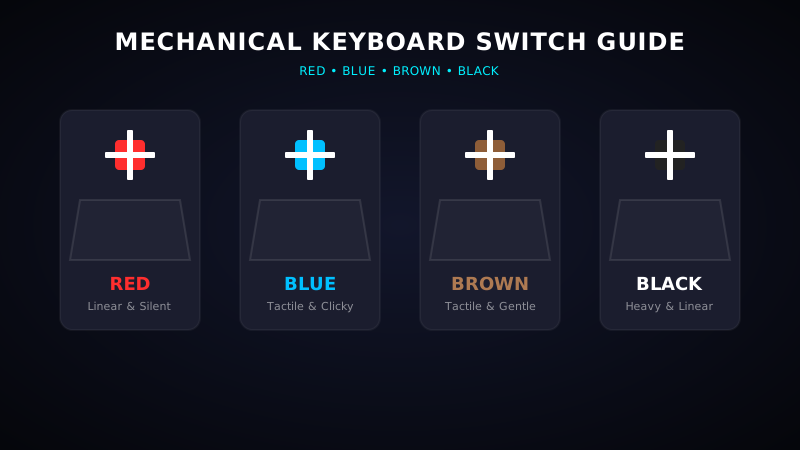
Mechanical Keyboard Switches Color Guide: Red, Blue, Brown, Black
Mechanical keyboards are loved by gamers, writers, and programmers for their tactile feedback, key registration speeds, and long-term durability. Unlike membrane keyboards, mechanical keyboards feature an individual physical switch under every keycap. These switches are color-coded based on their clicky sound profiles, mechanical resistance, and actuation styles. This guide explains the core switch types—Red, Blue, Brown, and Black—to help you choose the best switch for your setup.
1. Three Main Types of Mechanical Switches
Before looking at specific switch colors, it is essential to understand the three primary mechanical switch styles:
- Linear Switches: Smooth and consistent keystrokes with no tactile bump or sound feedback when registering. (Red, Black).
- Tactile Switches: Features a physical bump halfway down when pressed, letting you feel exactly when the key registers without making loud noises. (Brown).
- Clicky Switches: Features a tactile bump accompanied by a sharp click sound. Great for typists who love auditory feedback. (Blue).
2. Red Switches (Linear & Quiet)
Red switches are linear switches that require an actuation force of around 45g. They feel extremely smooth, travel straight down with no tactile bump, and register keystrokes quickly.
- Best For: Competitive gaming (fast rapid-fire double-tapping) and quiet office environments.
- Pros: Very fast response times, smooth feel, and silent operation.
- Cons: Lacks tactile feedback, which may lead to accidental typos for beginners.
Test Your Current Switch Latency
Wanna know if your keyboard switches register fast enough? Try our live keyboard diagnostic console to measure key response delay values.
Start Switch Test3. Blue Switches (Tactile & Clicky)
Blue switches are the classic clicky mechanical switches. They feature a noticeable tactile bump at the registration point, accompanied by a loud, high-pitched click sound. Actuation force is around 50g.
- Best For: Heavy typing, coding, and users who love loud clicky sounds.
- Pros: Excellent tactile feel, highly satisfying typing experience, and reduced typing errors.
- Cons: Very loud. Not recommended for office work or shared bedroom spaces.
4. Brown Switches (Tactile & Gentle)
Brown switches are tactile switches that offer a compromise between Red and Blue. They feature a soft tactile bump when pressed but do not produce a loud clicking sound. Actuation force is around 45-50g.
- Best For: Mixed usage (50% typing, 50% gaming) and office work.
- Pros: Satisfying tactile bump, quiet operation, and balanced typing experience.
- Cons: The tactile bump is very subtle, which some users find too light.
5. Black Switches (Heavy Linear)
Black switches are linear switches similar to Red but feature a much stiffer spring, requiring a heavy actuation force of 60g. This prevents accidental keypresses and makes the keycap bounce back faster.
- Best For: Gamers who want zero accidental clicks, and heavy-handed typists.
- Pros: Highly precise, firm bounce, and prevents misclicks.
- Cons: Heavy resistance can cause finger fatigue during long typing sessions.
Summary: Which Switch Color is Best for You?
If you primarily play fast games, choose **Red switches**. If you type a lot and love sound feedback, choose **Blue switches**. If you want a silent keyboard with a tactile typing feel, **Brown switches** are your best bet. If you find yourself making constant typing mistakes because keys feel too soft, go for **Black switches** for extra resistance.